
Components & suppliers
See a supplier's linked interventions
From a supplier's record, view the interventions, routine repairs and major repairs linked to it.
- Audience
- Administrator
- Screen
- Suppliers → record → Interventions tab
- Verified version
- App 1.0.0
Goal
From a supplier's record, see every work linked to it (maintenance interventions, routine repairs, major repairs and replacements), to assess its track record in the building.
Audience
Administrator of the building.
Prerequisites
- The supplier is linked to at least one work (see Link a supplier to a work).
Steps
-
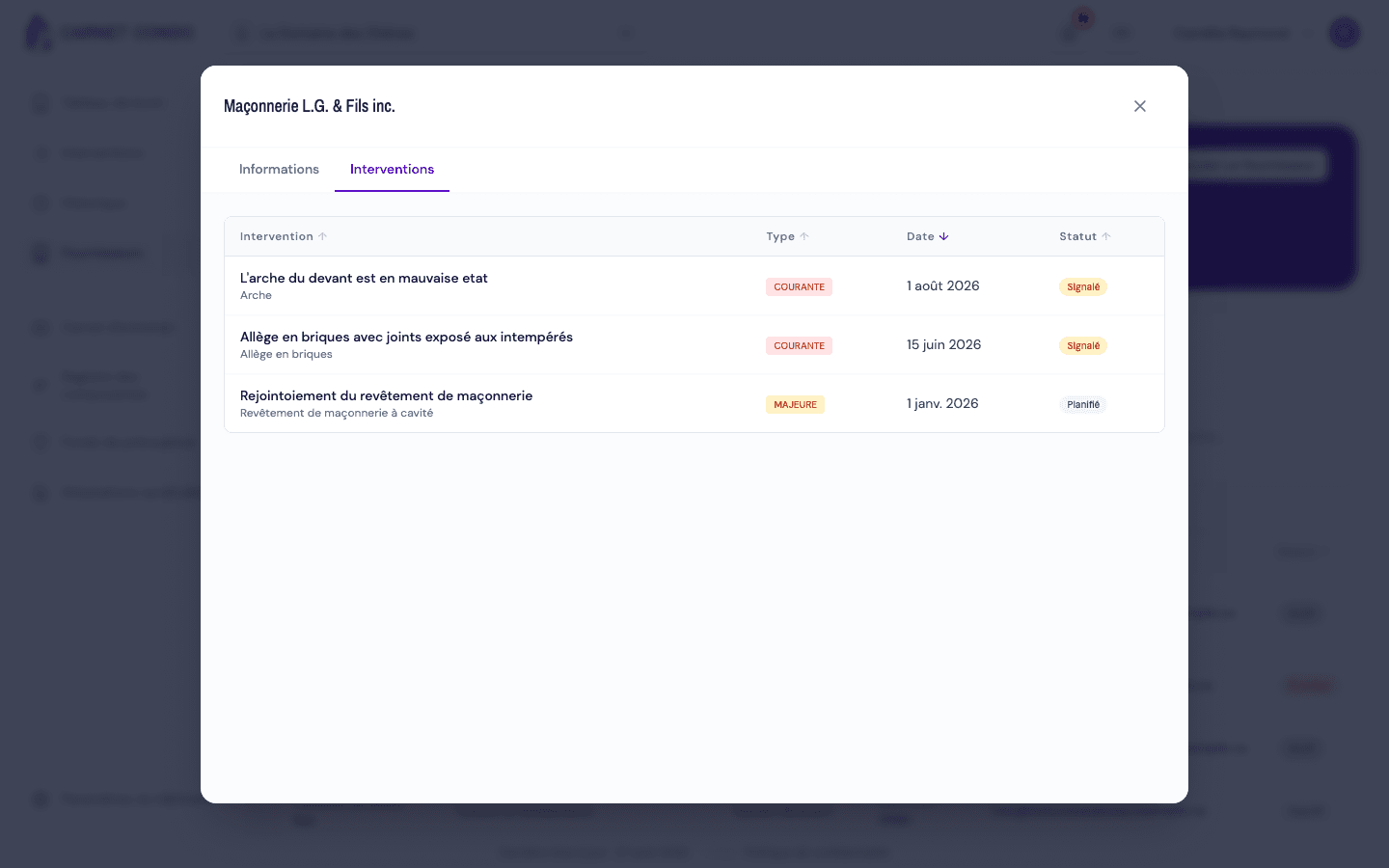
In "Suppliers", click a company to open its record, then the "Interventions" tab.
-
For each work, the table shows Intervention (title and component), Type (Maintenance, Routine or Major), Date and Status. Click a header to sort.
-
Click a row to open the work.
Where do these works come from?
A work appears here as soon as a supplier is chosen in its "Supplier" field. If there are none: "No interventions recorded".
Tips and common mistakes
- Track record: this tab helps decide whether to hire a supplier again.